Setup help, lens guidance, and material workflow support for growing laser shops Talk with a laser advisor
Before support

Guessing at speed, power, focus, and air assist after every new material arrives.

After support

Following a documented test routine with cleaner notes, safer changes, and faster repeat jobs.

Boss Laser resources

Boss Laser Resources turn machine questions into clear next steps

Use this page as a practical support hub for material settings, alignment habits, lens care, startup checklists, and the decision points that help laser owners get stable output faster.
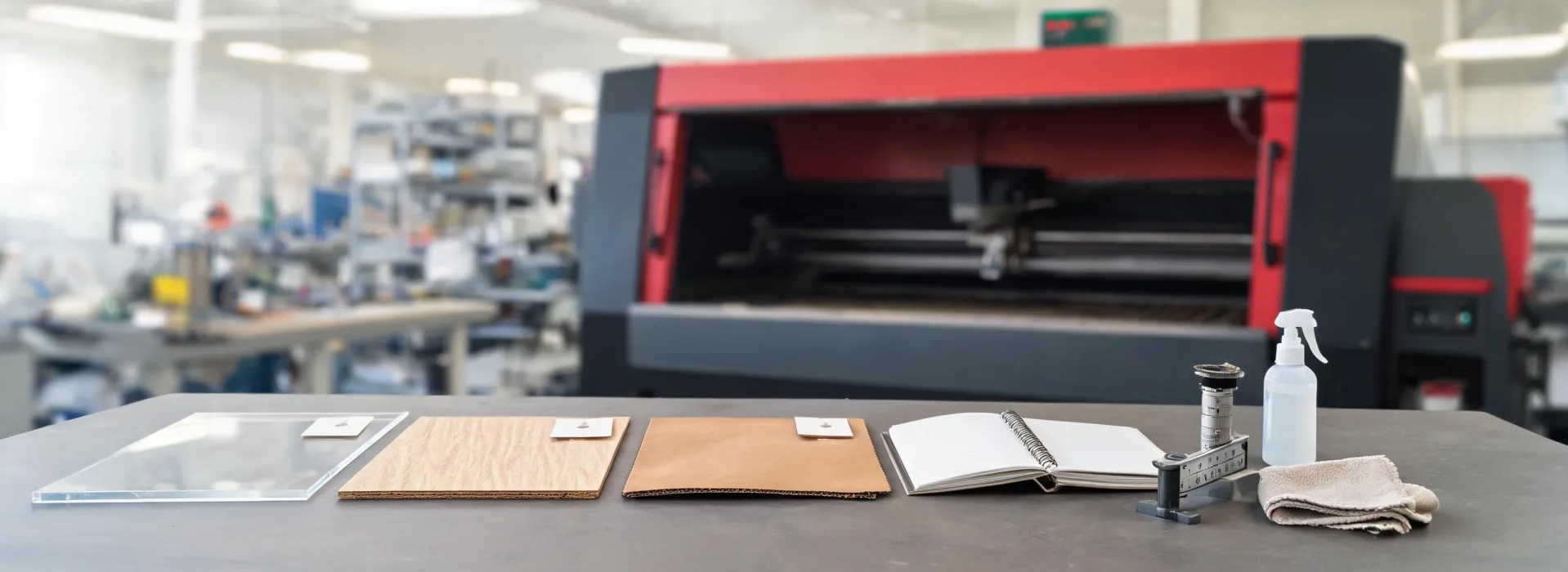
Laser resources and material testing bench

Workflow finder

Match the resource to the question in front of you

A useful support library should not feel like a maze. Start with the symptom or planning task, then move toward a small set of checks. The goal is to make the next test cut more informed, not to overwhelm a new operator with every possible variable.

Material testUse when a new acrylic, plywood, leather, or coated item behaves differently than expected.
Alignment checkUse when power seems inconsistent across the bed or edge quality changes from corner to corner.
Lens careUse when engraving looks hazy, cuts require more power, or smoke residue is building faster than usual.
Workspace reviewUse before delivery or relocation to plan exhaust, cooling, clearance, and operator access.

Resource paths

Three learning paths for daily laser work

First-week setup path

Prepare utilities, confirm ventilation, learn focus checks, run baseline material tests, and document the first reliable settings for the materials you expect to use most often.

Ask for startup help

Material settings path

Build a repeatable testing pattern for speed, power, passes, air assist, masking, and cleanup so your team can compare results instead of relying on memory.

Review machine fit

Troubleshooting path

Work through symptoms in order: material variation, focus, optics, alignment, exhaust, air assist, file setup, and machine condition. A calm checklist saves time.

View service help

Need a better starting point?

Send the material, machine goal, and symptom you are trying to solve.

We will help you identify whether the next step is a material test, optics check, workflow review, or a machine recommendation conversation.